
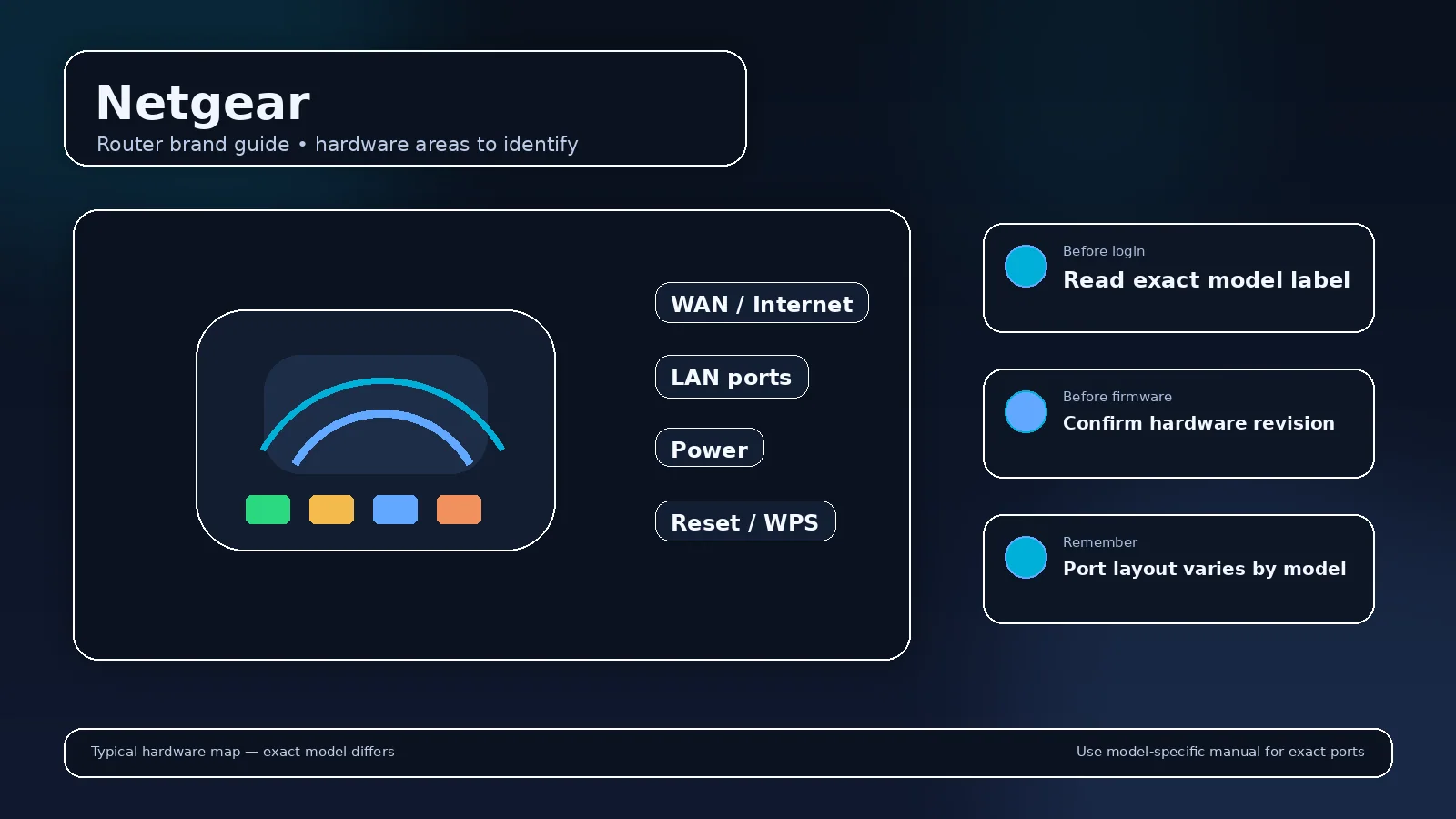
NETGEAR’s consumer lineup includes Nighthawk standalone routers and Orbi mesh systems, plus older Wi-Fi router families that remain widely used. NETGEAR provides a memorable local hostname for many routers, but the administrator password still depends on the product’s setup history and generation.
How to reach a NETGEAR router?
NETGEAR’s support documentation directs connected users to routerlogin.net or 192.168.1.1 for many home routers. 192.168.0.1 is also used by some products/configurations. If those values fail, read the current default gateway from the device that is connected to the router.
Administrator password behavior
NETGEAR documentation for current setup flows commonly uses the username admin with the administrator password created during setup. Some older model documentation lists password as a factory password. Because both patterns exist, this page does not present a single universal password as valid for every NETGEAR router.
Nighthawk and Orbi
Nighthawk routers generally support local browser management and the Nighthawk app. Orbi systems are app-oriented but also expose model-dependent web administration. A NETGEAR account password, Wi-Fi password, and local router administrator password can be three different credentials.
Troubleshooting
If routerlogin.net does not resolve while you are connected to the router, try the current gateway IP directly and temporarily disable VPN/proxy software. If the page opens but authentication fails, use the model’s official recovery/reset instructions rather than trying a long list of unrelated defaults.
NETGEAR browser login, Nighthawk and Orbi are related but not identical
NETGEAR’s routerlogin.net convenience name and common 192.168.1.1/192.168.0.1 LAN addresses are widely recognized, but Nighthawk standalone routers and Orbi mesh systems can expose different app/browser workflows. A NETGEAR account password, local router administrator password and Wi-Fi password can all be different values.
Old “password” defaults versus setup-created credentials
Some older NETGEAR documentation used admin/password. Current devices increasingly rely on setup-created administrator credentials and recovery questions or app/account flows. If a device has already been configured, the factory value no longer represents its current authentication state.
Orbi topology
In an Orbi system the main router handles the routing role while satellites extend the network. Satellite IP addresses can appear in client lists, but they should not be treated as independent consumer routers with their own universal “login.” Diagnose backhaul and satellite health through the Orbi management system for the exact generation.
When routerlogin.net does not resolve?
Local setup hostnames depend on being connected to the correct LAN and on local name-resolution behavior. VPNs, secure DNS, proxy software, guest isolation or a changed network address can interfere. Read the current default gateway and try the numeric local address before resetting the device.
Keep similar Nighthawk model identifiers separate
NETGEAR home routers; administrator password depends on setup/model
- NETGEAR home routers; administrator password depends on setup/model Official source 1
Illustrative case: A firmware filename resembles the router name but contains a different model suffix. Stop and compare the unit label with the support page before uploading.
Documentation and scope