
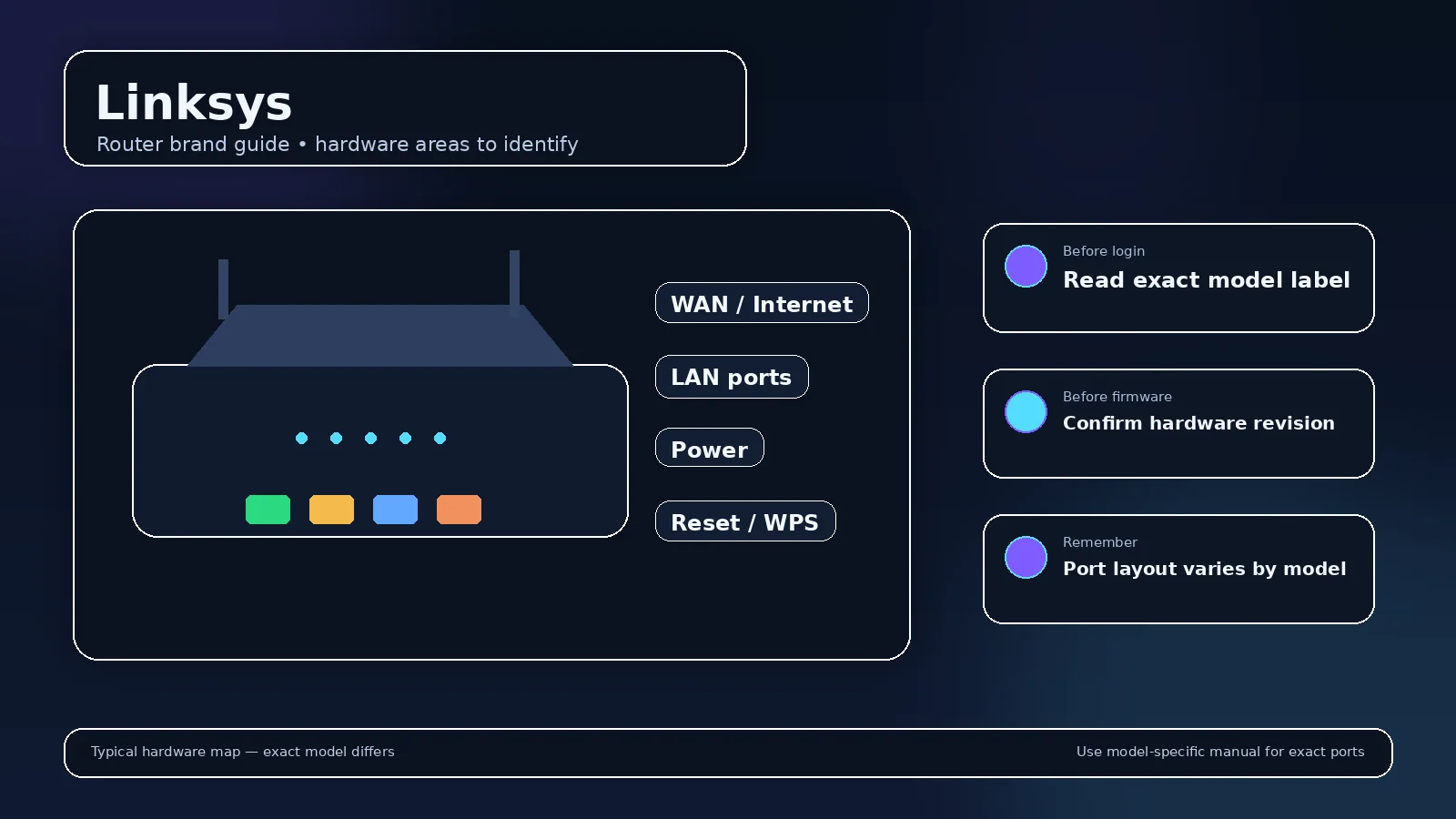
Linksys hardware spans classic WRT routers, Smart WiFi routers, and newer mesh families. Because those generations use different local interfaces and recovery methods, model context matters more than a generic “Linksys password” list.
How to reach a Linksys router?
Linksys support documents myrouter.local and 192.168.1.1 for local access on many Smart WiFi and mesh products. You must be connected to the Linksys network. If the LAN subnet was changed, use the gateway reported by your device.
Administrator password
Some Linksys documentation states that an unconfigured router can use admin as its administrator password, while newer mesh products can use setup/recovery flows tied to the device. Treat the model’s current support article or label as authoritative rather than applying one old default to every product.
Classic vs. mesh administration
Older WRT/EA products are strongly associated with browser-based settings. Modern mesh systems emphasize the Linksys app but can still expose local web access depending on model and setup state. If a page asks for a Linksys cloud account, that is not necessarily the same credential as local router administration.
Classic Linksys, Smart WiFi and mesh products span different eras
Linksys remains strongly associated with 192.168.1.1, and current support also documents myrouter.local for supported local access. But WRT-era routers, EA/Smart WiFi products and newer mesh systems do not all behave the same. A cloud/account login can coexist with a separate local router password.
Unconfigured “admin” versus a changed router password
Current Linksys support says an unconfigured supported router can use admin as the administrator password, but once the owner changes it that value no longer applies. Do not interpret one official default as a permanent brand-wide password for every historical and current model.
Local access is valuable when the internet is down
A router’s local interface can remain reachable without WAN service. That lets you inspect WAN status, reboot, update configuration or diagnose DNS/ISP problems without relying on a cloud dashboard. Connect to the router LAN first and use the current gateway if myrouter.local fails.
Mesh and app management
Modern Linksys mesh families emphasize app-based setup. The browser feature set may be narrower or accessed through a local-access link. Follow documentation for the exact family instead of forcing classic WRT instructions onto a current mesh product.
Identify the Linksys system and ownership state
Linksys Smart WiFi / supported local-web models; mesh behavior can differ
- Linksys Smart WiFi / supported local-web models; mesh behavior can differ Official source 1
Illustrative case: A previously configured mesh system is moved into a new home. Determine legitimate ownership and the supported setup path before erasing an existing configuration.
Documentation and scope