
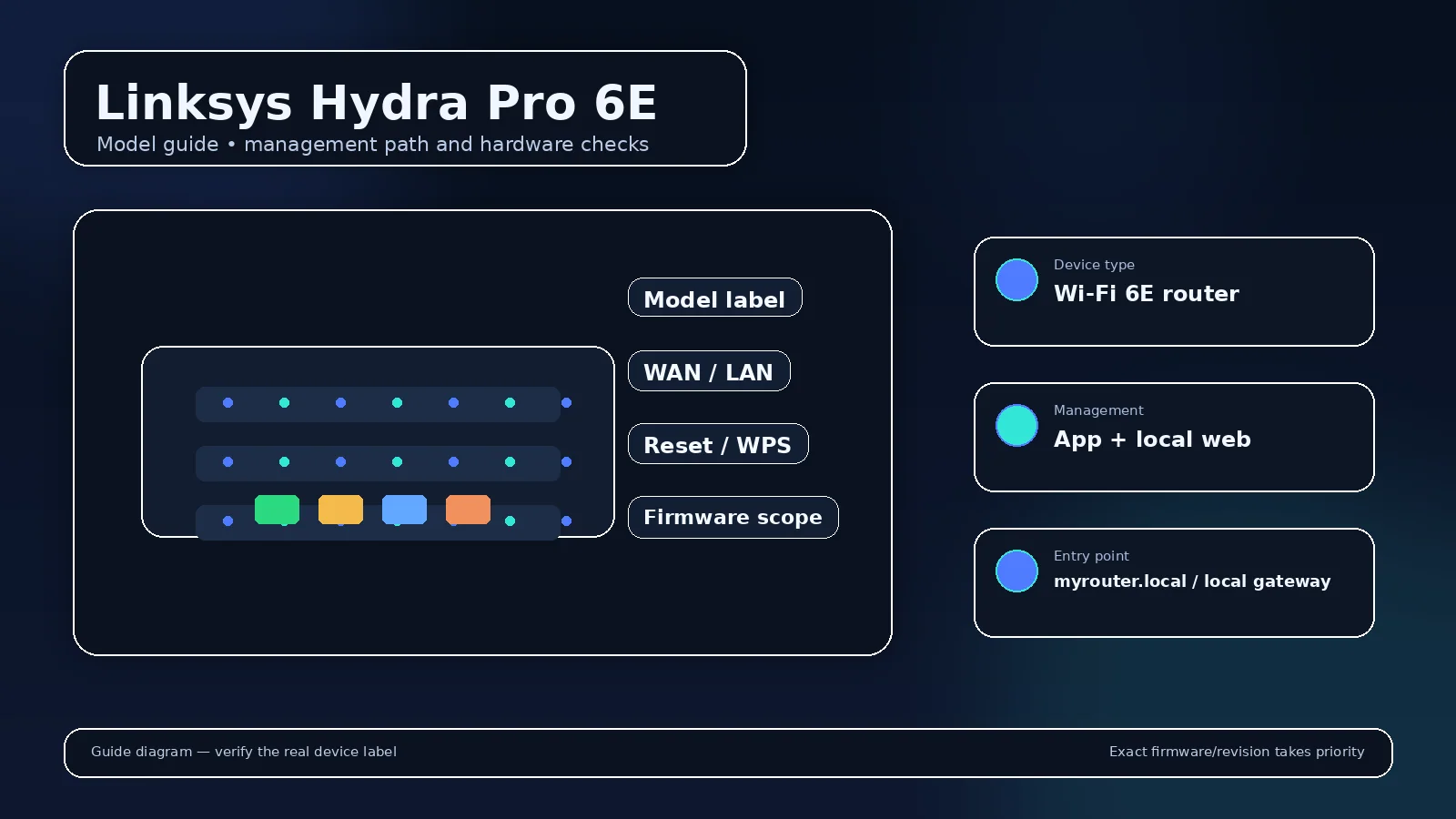
Linksys Hydra Pro 6E login and setup information is scoped to this exact model. Linksys Smart WiFi-era and newer app-managed products can have different sign-in flows. Use the MR7500/Hydra Pro 6E label and support page rather than credentials for old WRT-series routers.
Linksys Hydra Pro 6E management details
| Management address | myrouter.local or 192.168.1.1 on supported Linksys local-management setups |
|---|---|
| Administrator identity | Linksys local/cloud workflow; do not assume a fixed legacy username |
| Administrator password | Set during setup / router password; exact flow depends on firmware |
| Supported app/workflow | Linksys app plus local web interface where supported |
| Documentation scope | Linksys Hydra Pro 6E / MR7500 family; verify model number and firmware |
For Linksys Hydra Pro 6E, start with the management route documented for this model rather than a brand-wide password table. The current LAN address can move after access-point mode, mesh adoption, a subnet change, or connection behind an ISP gateway, so the client default gateway is the best fallback when the documented factory route no longer answers.
Primary model documentation: official Linksys Hydra Pro 6E source. Use the revision/region noted above when firmware or reset behavior is involved.
How to sign in to Linksys Hydra Pro 6E?
- Connect a trusted client to the Linksys Hydra Pro 6E LAN by Wi-Fi or Ethernet.
- For Linksys Hydra Pro 6E, open the documented local hostname/address. If it fails, read that client device’s current Default Gateway instead of guessing another private IP.
- Authenticate with the administrator credential documented for this Linksys Hydra Pro 6E setup state; do not substitute its wireless passphrase unless the exact interface explicitly asks for it.
- Use Linksys app plus local web interface where supported only for the Linksys Hydra Pro 6E controls and recovery functions that the cited documentation assigns to that workflow.
If Linksys Hydra Pro 6E does not open at the documented address
Read the default gateway from a device connected to the Linksys Hydra Pro 6E. If that gateway belongs to another router, check the upstream client list for the Linksys Hydra Pro 6E management address. Also test from the main LAN rather than guest Wi-Fi, and temporarily remove a VPN route that overlaps the private subnet before changing router settings.
If the Linksys Hydra Pro 6E administrator password is rejected
Check the label, setup record, password manager, and the official recovery method for Linksys Hydra Pro 6E. A normal reboot preserves the configured password. A factory reset is different: it can erase Wi-Fi, LAN, VPN, forwarding, parental-control, mesh, and WAN settings, so use it only when the documented Linksys Hydra Pro 6E recovery path requires it.
Firmware and hardware scope for Linksys Hydra Pro 6E
Linksys Hydra Pro 6E / MR7500 family; verify model number and firmware. Before an upgrade, confirm the exact model/revision and regional support page, keep power stable, and avoid firmware intended for a similar-looking device. If this unit is carrier- or ISP-customized, provider firmware can change both the menu and the safe update path.
Configuration checks that matter on Linksys Hydra Pro 6E
- Confirm the administrator password is unique and stored separately from the Wi-Fi passphrase.
- Review wireless security and client compatibility before forcing a newer mode across every band.
- Check firmware only against the exact Linksys Hydra Pro 6E / MR7500 family; verify model number and firmware support scope.
- Review remote management, WPS, UPnP and port-forward rules instead of assuming the factory state is still appropriate.
- Keep a record of LAN subnet, DHCP reservations, DNS choices and any VPN or mesh role before a reset or major upgrade.
Why can Wi-Fi work while the Linksys Hydra Pro 6E admin password fails?
Wireless association and administrator authentication are separate on the Linksys Hydra Pro 6E. The current administrator value follows this model’s setup/recovery rules; a working Wi-Fi key does not prove it should unlock the settings page.
Why can the usual Linksys Hydra Pro 6E address open another device?
In a multi-router network, the client may be routed by an ISP gateway or another router while the Linksys Hydra Pro 6E sits downstream or operates as an access point. Compare the client gateway and upstream device list before resetting either unit.
Confirm that the instructions match your exact unit
Linksys Hydra Pro 6E / MR7500 family; verify model number and firmware Check the printed model and, where shown, hardware revision before using a firmware file or reset sequence. If the router was supplied by an ISP or mobile carrier, provider firmware can change the sign-in path, hide radio/WAN settings, or replace the retail app workflow. The current default gateway on a connected client is the best clue when the remembered factory address no longer responds.
What to test after any configuration change?
- Local admin access still works from the main LAN.
- DHCP gives clients the intended address, gateway and DNS.
- Internet access works on both wired and wireless clients where applicable.
- Guest/IoT isolation still matches your security plan.
- Port forwards, VPNs or parental-control rules still target the intended devices.
Video walkthrough for Linksys Hydra Pro 6E
Official Linksys video for local web-interface access. Exact local addresses and password recovery still depend on the model and setup state.
How to Log In to the Linksys Router Web Interface — Linksys Support. Watch on YouTube
Useful next steps
MR7500 Wi-Fi changes and brief disconnections
Linksys Hydra Pro 6E: linksys documents these Wi-Fi controls for the MR7500 Hydra Pro 6E. The support article covers both app and browser interfaces; firmware and mobile OS can alter presentation. Documentation checked 25 September 2026.
- Linksys Hydra Pro 6E check: in the app, open Wi-Fi Settings; in the browser interface, look under Router Settings for Wi-Fi Settings. Official source 1
- Linksys Hydra Pro 6E check: channel Finder can briefly disconnect Wi-Fi while scanning. Avoid running it during a call or another task that needs uninterrupted connectivity. Official source 1
- Linksys Hydra Pro 6E check: the documented 6 GHz controls differ from 2.4/5 GHz controls. Check client support before treating a missing 6 GHz connection as a password failure. Official source 1
Illustrative case: a phone drops Wi-Fi immediately after Channel Finder starts, then reconnects. Compare that timing with the documented scan interruption before rebooting the system.
Can an IPTV option change the MR7500 management address?
Linksys documents a PCCW-specific IPTV option that changes the LAN address to 192.168.10.1. Do not enable that provider-specific option merely to troubleshoot ordinary internet access.
Documentation and scope