
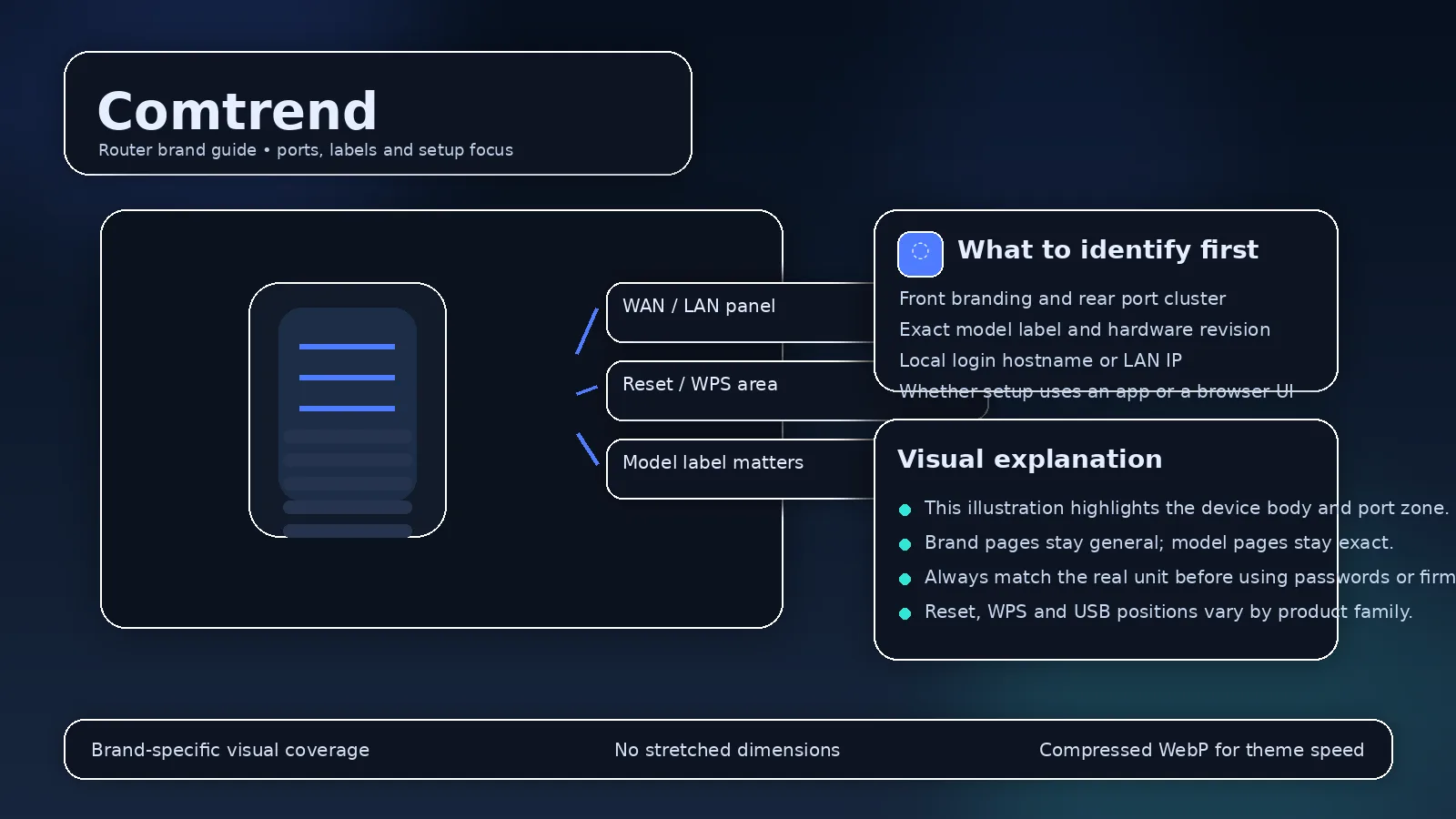
Comtrend gateways are often supplied by DSL, fiber, and regional internet providers rather than purchased as a retail home router. Provider provisioning is therefore central to understanding login behavior.
Common local address
192.168.1.1 appears on many Comtrend gateway configurations, but ISPs can change the LAN subnet or administrator account before installation. Use the current default gateway and the provider’s documentation when they disagree with a generic manual.
Why ISP support matters?
A provider may lock WAN, voice, VLAN, or remote-management settings while exposing normal Wi-Fi controls to the customer. A factory reset can remove provisioning needed for service, so do not reset ISP-supplied Comtrend hardware until you know how it will be reprovisioned.
What to record before changes?
If you administer the connection, note the current WAN mode, VLAN/PPPoE details, Wi-Fi settings, and any provider-specific configuration before making major changes.
Comtrend gateways are commonly tied to ISP deployments
Comtrend equipment is frequently supplied by broadband providers, making provider configuration more important than generic retail defaults. A gateway can contain DSL/fiber WAN parameters, VLANs, voice settings and remote-management provisioning controlled by the ISP.
Check the provider label and support article
The management address can be 192.168.1.1 on many deployments, but credentials are often provider-specific. If the ISP has changed the firmware, Comtrend’s generic manual can differ from the menus and fields actually available.
Bridge mode and customer routers
Some deployments support bridge/passthrough use with a separate router. Decide which device will run DHCP/NAT and document how to reach the Comtrend box afterward. A second router added without a plan can produce double NAT and confusing login paths.
Reset only with provisioning knowledge
A factory reset can erase settings required for broadband or voice service. Obtain ISP credentials and recovery instructions first, especially on lines using PPPoE, VLAN tagging or managed voice.
Provider configuration can define Comtrend access
Comtrend ISP-supplied gateways; provider configuration takes priority
- Comtrend ISP-supplied gateways; provider configuration takes priority Official source 1
Illustrative case: A Comtrend gateway supplied for broadband uses a provider firmware image. Keep its WAN and voice provisioning intact while checking the exact local access instructions.
Documentation and scope