
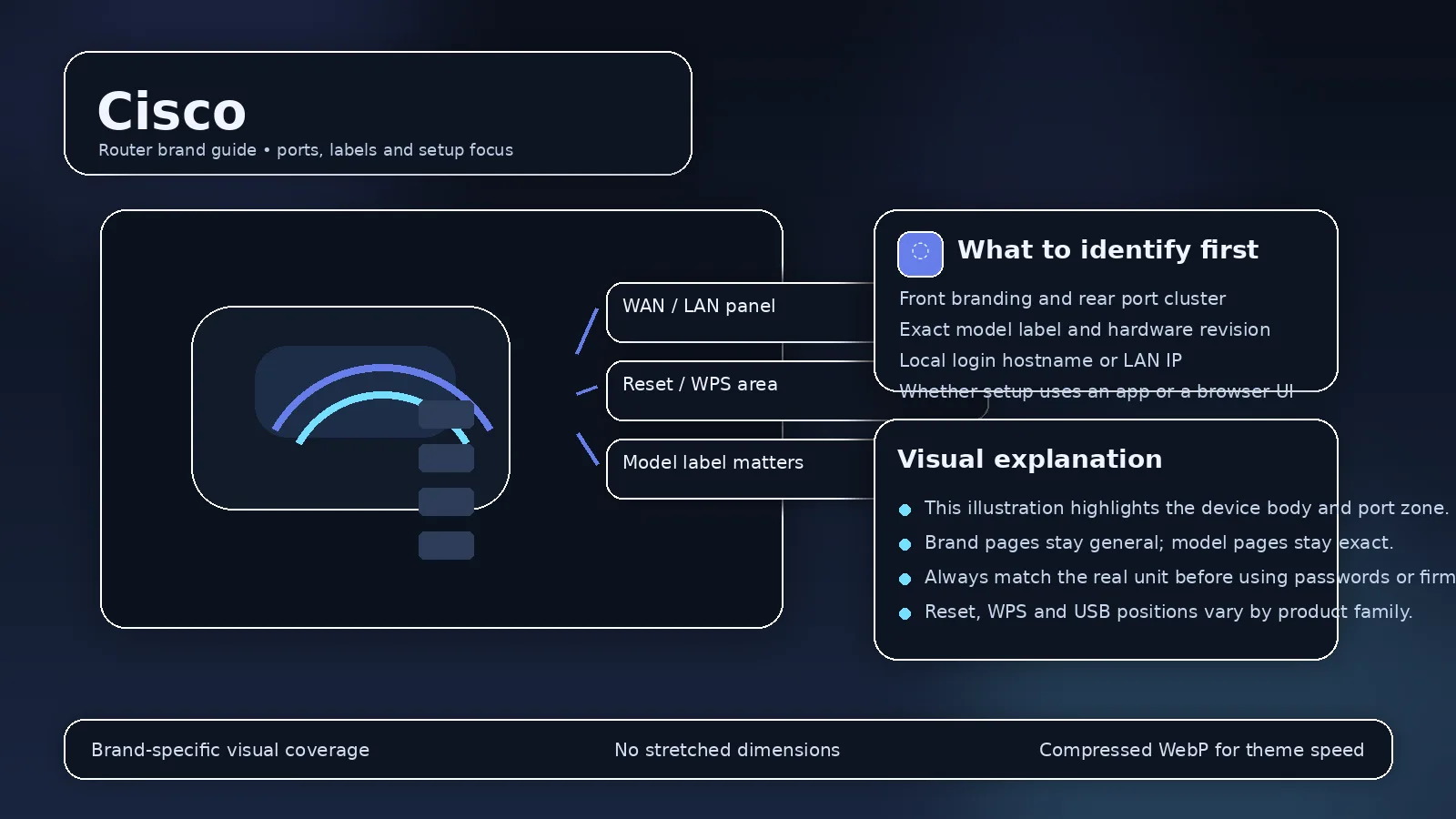
“Cisco router” can refer to enterprise routers, small-business devices, older consumer-era hardware, or ISP/network equipment. Those categories have very different administration methods. A home-router default list is therefore a poor fit for Cisco as a whole.
Identify the product family first
Look at the exact model number and whether it belongs to Cisco enterprise, Small Business, Meraki, or older hardware. Enterprise devices may be configured through a CLI, controller, or organization-managed platform rather than a simple home-style web panel.
About 192.168.1.254 and 192.168.1.1
These private addresses appear in documentation for various networking products, but an IP alone cannot identify a Cisco model or administrator credential. Check the default gateway and the model’s official setup guide.
Do not reset managed equipment casually?
Business devices can contain VLAN, VPN, routing, authentication, and WAN configuration that is not easy to reconstruct. If the hardware belongs to an organization or ISP, involve the network administrator before resetting it.
“Cisco router” can mean home-era hardware, SMB equipment or enterprise IOS
Cisco’s portfolio is too broad for one login recipe. Enterprise routers and switches can be administered through CLI/SSH, centralized systems or model-specific web interfaces, while legacy consumer/SMB products follow different patterns. The exact model, software family and deployment context are mandatory before credentials or recovery steps are discussed.
Do not expose infrastructure management?
On business equipment, management interfaces should be restricted to trusted management networks, VPNs or secure administrative paths. A private address is not a substitute for access control. Disable unused services and apply current software updates according to Cisco advisories/support.
Configuration changes can affect whole sites
Routes, VLANs, ACLs, NAT, VPNs and WAN settings can impact many users. Export configuration and schedule changes appropriately. Do not follow a residential-router “reset and try admin/admin” article on enterprise equipment.
Small-business gateways
For web-managed SMB products, use the exact administration guide and current firmware notes. Product lines can have different default addresses and first-login flows even under the same Cisco brand.
Do not treat business networking hardware like a consumer router?
Enterprise products can be managed through console, SSH, HTTPS, controller software or centralized platforms rather than a simple factory web login. Addressing and credentials are often deployment-specific. Model family, operating system image, configuration mode and organization policy matter more than a generic “default router password” table.
Preserve configuration and change control
Before altering routing, VLAN, ACL, NAT, VPN or interface configuration, export or archive the running configuration and document the intended change. In a managed environment, follow the organization’s maintenance window and rollback process. A factory reset is a destructive recovery action, not a normal troubleshooting shortcut.
Management-plane security
Restrict administrative access to trusted networks, prefer encrypted management protocols, use named administrator accounts where supported, and disable obsolete services. Internet-facing management should be avoided unless the design explicitly requires it and is protected by appropriate controls.
Distinguish enterprise management from a home-router guide
Cisco product families vary widely; identify exact model before login/reset
- Cisco product families vary widely; identify exact model before login/reset Official source 1
Illustrative case: A Cisco device uses an enterprise management plane or controller rather than a consumer login page. Identify the product family and authorized administration method before trying a factory-IP recipe.
Documentation and scope