
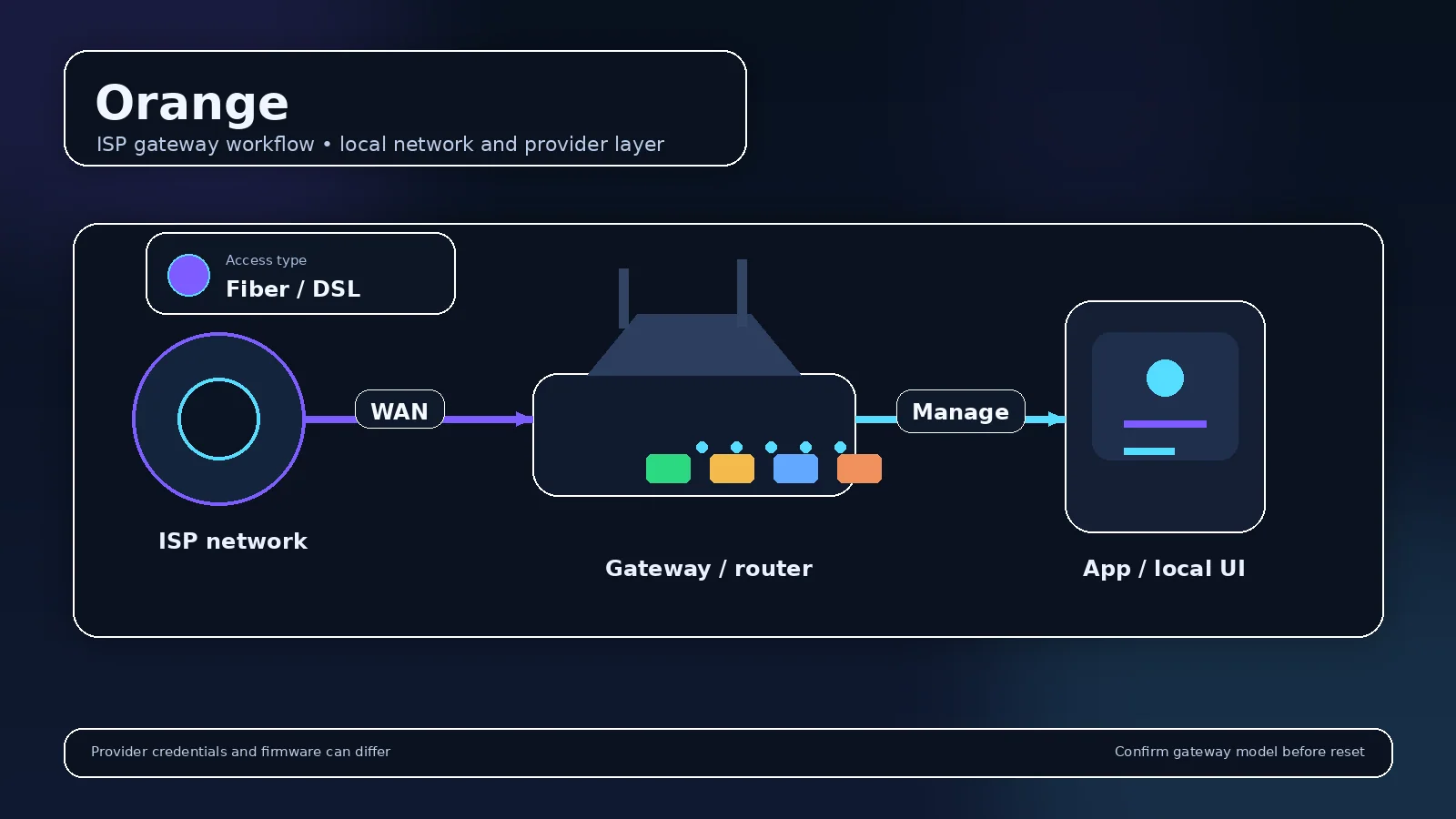
Orange router access depends on the exact gateway supplied to the account. Orange country sites use different Livebox generations and account systems. Always pair instructions with country and model.
Orange gateway details
| Region covered | Europe and selected international markets |
|---|---|
| Equipment scope | Orange Livebox families and country-specific provider gateways |
| Local management | 192.168.1.1 or the local Livebox hostname on supported Livebox deployments; market/model may differ |
| Login behavior | Use the Livebox/admin credential method documented in your Orange market and shown on the device/setup materials. |
| App/portal | Orange/Livebox app varies by country |
Orange documentation: Orange Assistance: Livebox configuration. The claim is limited to Orange Livebox families and country-specific provider gateways and the region stated above.
Separate provider service from home-network settings
With Orange, a broadband activation or line problem can exist even while the local admin page works. The reverse is also possible: internet service can remain healthy while a guest network, app workflow, or local-access restriction prevents the management page from opening. Treat those as separate tests.
How to reach the Orange settings?
- Connect to the home LAN served by the Orange gateway or the downstream router you intentionally installed.
- Read the exact gateway model from its label and compare it with the documented equipment scope.
- Use Orange/Livebox app varies by country where that is the supported management route for the feature you need.
- For local browser management, compare the active client gateway with: 192.168.1.1 or the local Livebox hostname on supported Livebox deployments; market/model may differ.
- Use the administrator/device-access credential for the gateway—not automatically the Wi-Fi passphrase or the Orange billing-account password.
Diagnose Orange access in the right order
A browser timeout, a working login screen, and a rejected administrator credential are three different symptoms. For Orange, first prove you have the right local endpoint, then solve authentication. Do not reset the gateway because a Wi-Fi password failed in an admin-password field.
If the Orange administrator password is rejected
Use the Livebox/admin credential method documented in your Orange market and shown on the device/setup materials. Check the label wording carefully because a wireless key, device access code, administrator password, and account sign-in can be different values. Stop repeated guesses after a few failures and use the recovery method documented for the exact Orange gateway generation.
Using a personal router with Orange
Before enabling bridge mode, IP passthrough, DMZ-to-router, or another handoff method, record which Orange services depend on the supplied gateway. Television, voice, static addressing, IPv6, authentication, and remote support can be coupled to provider equipment. After the change, confirm which device now owns NAT, DHCP and inbound firewall rules so you do not configure port forwarding on the wrong router.
Reset consequences on Orange equipment
A factory reset can remove the Wi-Fi name, local administrator state, forwards, reservations, parental controls, bridge/passthrough changes, and other custom settings. Some Orange gateways reprovision automatically; others require provider-specific recovery. Record the label and important settings first, and contact Orange when service authentication, voice, IPTV, optical or WAN provisioning is involved.
Why can an older Orange screenshot show menus I do not have?
Orange can change gateway families and remotely managed firmware over time. Match any screenshot or procedure to the exact Orange model, firmware branch and region rather than treating one historical interface as permanent.
Why does a Wi-Fi password fail on the Orange admin page?
The Wi-Fi key authenticates a wireless client; the local administrator or device-access credential protects gateway settings. Use the credential model described above for the exact Orange hardware.
Provider gateway versus your own router
If you add a personal router behind the Orange gateway, you can end up with two private networks and two NAT layers. That may be acceptable for ordinary browsing but can complicate inbound services, gaming, VPNs, device discovery and local management. Before enabling bridge, passthrough or access-point modes, document which box currently owns DHCP, Wi-Fi, firewalling and any provider services such as voice or IPTV.
Before contacting support
Record the exact gateway model, indicator/ONT status, current WAN state, whether Ethernet works, whether every client is affected, and the client IP/default gateway. Keep the provider account password separate from the local router administrator password. If the service works but local settings are inaccessible, support needs a different problem description than a complete internet outage.
Video walkthrough for Orange Router Login & Livebox Setup
A visual explanation of two-router topology and why two routing/NAT layers can complicate gaming, VPNs, forwarding, and local management.
Double NAT Issue Fix — Home Network Central. Watch on YouTube