
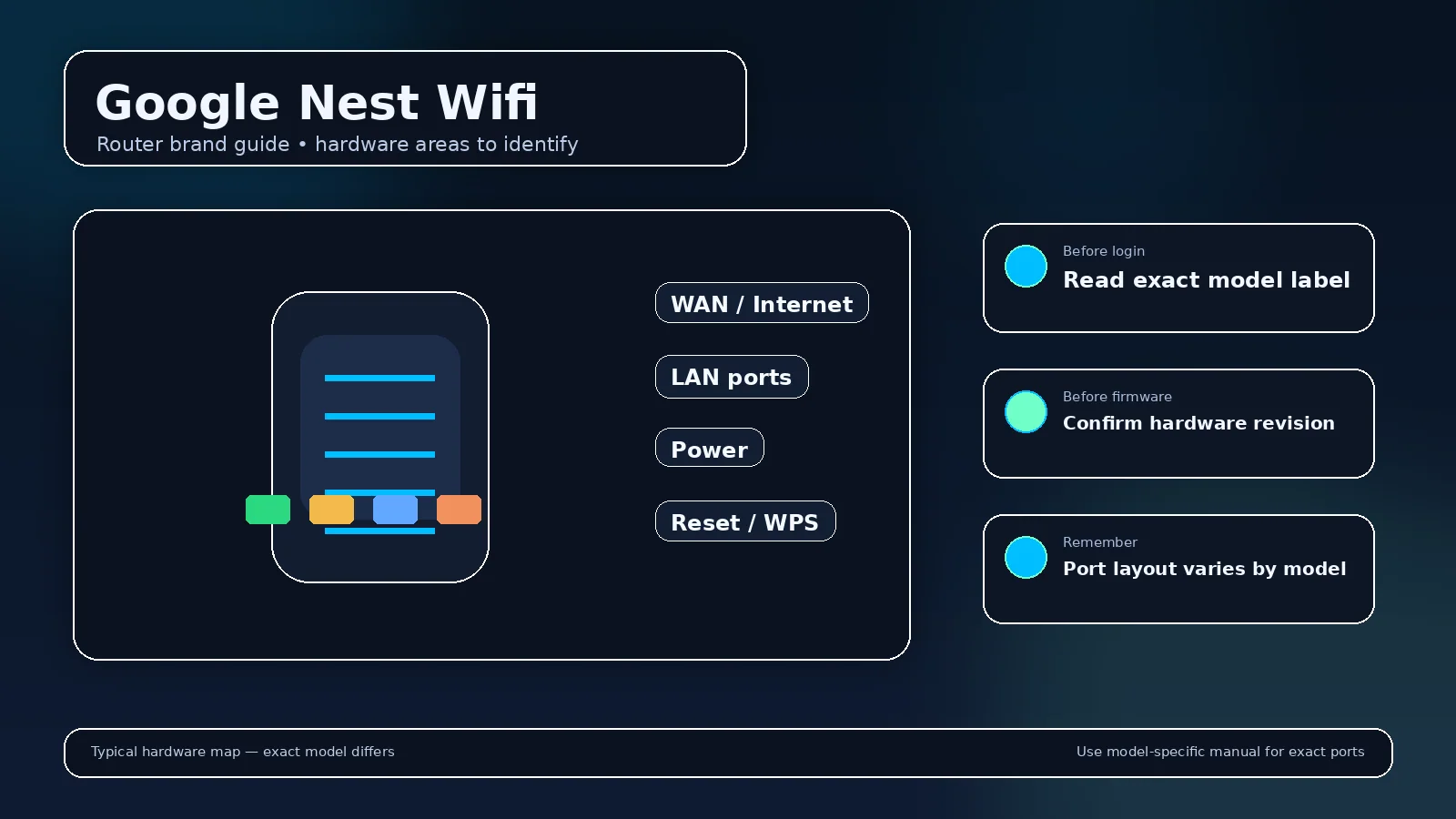
Google Nest Wifi router login information is model-specific. Google moved Google Wifi management into the Google Home app. A search result that promises a universal browser login for Nest Wifi is solving the wrong problem.
How to identify the correct Google Nest Wifi management path?
Start a Google Nest Wifi login by identifying the exact product family and its current role. A retail router, ISP gateway, access point, mesh node, or extender can use a different management path even when the same logo appears on the case.
- Connect to the Google Nest Wifi device or the LAN it serves.
- Read the client default gateway before trying a remembered private address.
- Management method: Managed through the Google Home app rather than a conventional local router admin page.
- App/cloud context: Google Home app.
- Use the administrator value documented for the exact unit; never infer it from the IP address.
Representative official documentation: Google Nest Help: manage Google Wifi in the Google Home app. Scope: Google Wifi, Nest Wifi and Nest Wifi Pro; feature availability differs by generation.
Addresses associated with Google Nest Wifi
Google Nest Wifi does not have one responsible brand-wide address to publish for every current product. Read the default gateway from the connected client, then match the exact model or ISP firmware.
These addresses are discovery starting points for Google Nest Wifi, not permanent identities. A changed LAN subnet, access-point/bridge mode, mesh adoption, or an upstream router can move the local management address after setup.
If a Google Nest Wifi page does not open
Check the actual client gateway, test from the trusted/home LAN rather than guest Wi-Fi, and remove an overlapping VPN route for the test. If the Google Nest Wifi unit is not the primary router, inspect the upstream DHCP/client list for its assigned address. A timeout is an address/routing symptom; a visible login screen with a rejected password is an authentication symptom.
Administrator password, Wi-Fi key, and account sign-in
On Google Nest Wifi equipment, those credentials can be separate. The Wi-Fi passphrase joins the wireless network, while the administrator credential protects local configuration; app-managed products can add a cloud identity and ISP devices can add a provider account or device-access code. Use the label wording and exact documentation instead of assuming one printed password serves every role.
What should you record before changing a Google Nest Wifi router?
Record the full model, hardware revision, firmware, LAN subnet, current gateway, WAN mode, SSIDs, and any reservations, VPNs, forwards, or provider-specific settings. For Google Nest Wifi firmware work, the exact model/revision support page takes priority over a visually similar product.
Reset and recovery for Google Nest Wifi
A normal reboot preserves configuration; a factory reset does not. Before resetting a Google Nest Wifi device, identify how the internet connection will be restored and whether ISP voice, IPTV, VLANs, mesh pairing, or cloud onboarding need separate recovery. Use the exact model procedure rather than a brand-wide reset timer.
Why can the printed password be rejected?
On a Google Nest Wifi label, the printed value may describe Wi-Fi, setup, device access, or local administration. Match the label field to the prompt on the screen before deciding the credential is wrong.
Why can another Google Nest Wifi guide show a different login?
Google Wifi, Nest Wifi and Nest Wifi Pro; feature availability differs by generation. Model families, firmware generations, regions and ISP customization can legitimately produce a different address or management workflow.
Related guides
Use the router login guide to discover the current gateway, the administrator-password recovery guide when sign-in fails, and the firmware guide before applying updates.
Video walkthrough for Google Nest Wifi
Official Google Nest walkthrough for connecting the primary Wi-Fi point and completing setup in the Google Home app.
How to Install and Set Up Google Wifi — Google Nest. Watch on YouTube
Useful next steps
Check Nest Wifi generation compatibility
Google Nest Wifi: google Wifi, Nest Wifi and Nest Wifi Pro; feature availability differs by generation.
- Google Nest Wifi check: google moved Google Wifi management into the Google Home app. A search result that promises a universal browser login for Nest Wifi is solving the wrong problem. Official source 1
Illustrative case: Google distinguishes Nest Wifi Pro from earlier Nest/Google Wifi mesh generations. Confirm supported combinations before buying or adding a point.
Documentation and scope