
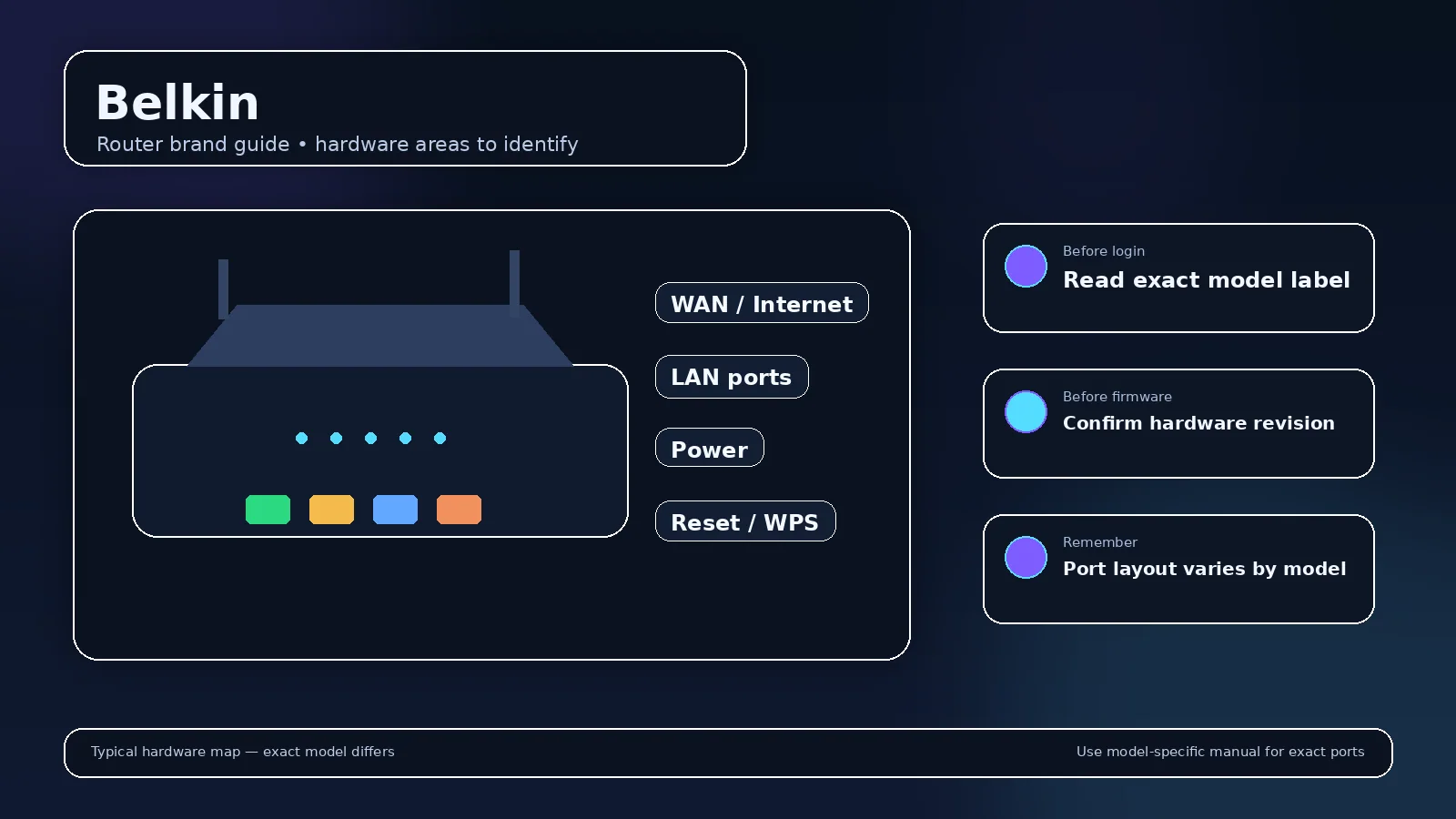
Belkin produced several generations of consumer routers before the home-networking market shifted heavily toward other brands and mesh platforms. Older Belkin devices are still encountered in homes and small offices, so historical defaults can be useful—but they should be presented as model-era information, not current universal rules.
Common legacy LAN address
192.168.2.1 is strongly associated with many classic Belkin routers. If the device has been reconfigured or placed behind another router, the current gateway may differ.
Older password behavior
Some legacy Belkin routers shipped without a preset administrator password and asked the owner to set one. Other models/firmware differ. Check the exact manual before resetting a working network merely because a generic password list does not match.
Security on older hardware
For an old router that no longer receives security updates or lacks current Wi-Fi security features, replacing the device can be a better long-term solution than spending significant effort restoring a legacy configuration.
Belkin router guidance is increasingly a legacy-hardware problem
Belkin is historically associated with consumer routers and addresses such as 192.168.2.1, but much of the installed hardware is now older. Before spending time recovering access, check the model’s support status, firmware age and Wi-Fi security capabilities.
Historical defaults need dates
Old ISP installation guides and archived manuals can be useful for identifying a factory address, but they should not be presented as current credentials for every Belkin device. If a label/manual for the exact model is available, use that instead.
Repurposing as an access point
An old router can sometimes be reused as an access point, but disable duplicate DHCP/routing according to the model’s supported mode. If it lacks a proper AP mode, manual LAN-to-LAN configuration requires care to avoid conflicting DHCP servers.
Replace unsupported edge routers
A legacy device that no longer receives security fixes should not remain the primary internet gateway just because it still powers on. Use recovered access to migrate settings and inventory devices, then consider supported hardware.
Record the network role
Decide whether the box is the primary router, a modem/router gateway, an access point, a mesh node, an extender, a cellular CPE or a provider-managed device. A router-mode guide can be wrong for the same hardware in access-point mode. Check which device supplies DHCP and which address appears as the client default gateway.
Before a factory reset
Save or photograph important settings first: WAN/PPPoE details, VLAN/IPTV values, Wi-Fi names, static reservations, port forwards, VPN configuration, DNS choices and any ISP/telephony settings. A reboot preserves configuration; a factory reset erases it. Reset only after you know how the internet connection and local network will be rebuilt.
After you regain access
- Use a strong unique administrator password.
- Install supported firmware updates through the vendor/provider method.
- Review remote administration and disable WAN-side access if it is not intentionally needed.
- Use WPA2-AES or WPA3 where supported and compatible.
- Check connected clients, guest/IoT isolation and obsolete convenience features you do not use.
- Back up a known-good configuration if the product provides export/backup.
Legacy router documentation needs date and model context
Older consumer routers can use authentication behavior that would be unacceptable on a current security-by-default product. Historical blank passwords or simple factory values should be presented as model-era facts, not as advice to try the same password on every device carrying the brand.
Replacement can be safer than endless recovery
If a router no longer receives security updates, cannot use modern WPA2-AES/WPA3 securely, or repeatedly fails under current internet speeds, replacement may be the better outcome. Keep the old device only for a clearly understood non-critical role.
Firmware caution
Archived firmware must match the exact model and hardware revision. Do not flash a file chosen only because the casing or product name looks similar.
A safe Belkin login and troubleshooting sequence
- Confirm ownership and model. Work only on equipment you administer. Read the full model, hardware revision and provider label.
- Join the correct LAN. Use trusted Wi-Fi or Ethernet. Guest networks can intentionally block management traffic.
- Read the current gateway. Factory addresses are clues, not guarantees after setup. Windows, macOS, iOS and Android can show the gateway/router assigned to the active connection.
- Open the local address directly. Type the numeric address or documented local hostname in the browser address bar. Do not search the password or paste credentials into a public website.
- Interpret the result. A login form proves network reachability; a timeout suggests address/routing/isolation trouble; rejected credentials are an authentication problem, not an IP problem.
- Use model-specific recovery. Check the label, manual, vendor/provider app and official recovery steps. Reset only after other recovery options fail.
What a router IP can and cannot tell you?
A local IP tells you where an interface is reachable on that network. It does not identify the exact model, prove who owns the device, or reveal the administrator password. The same private address can be used simultaneously in millions of unrelated homes. Treat IP, model, administrator credential, Wi-Fi password and cloud account as separate facts.
When a source conflicts with your device?
Video walkthrough for Belkin
Useful when a factory router address no longer works: identify the gateway your device is actually using before changing passwords or resetting hardware.
How to Find Your Default Gateway or Router IP Address — YouTube networking tutorial. Watch on YouTube
Useful next steps
Read older Belkin defaults in their historical context
Belkin: primarily legacy Belkin routers; verify exact model documentation
- Belkin check: primarily legacy Belkin routers; verify exact model documentation Official source 1
Illustrative case: An old blank-password example is applied to a used router with an owner password. A historical factory setting cannot recover the installed credential.
Documentation and scope