
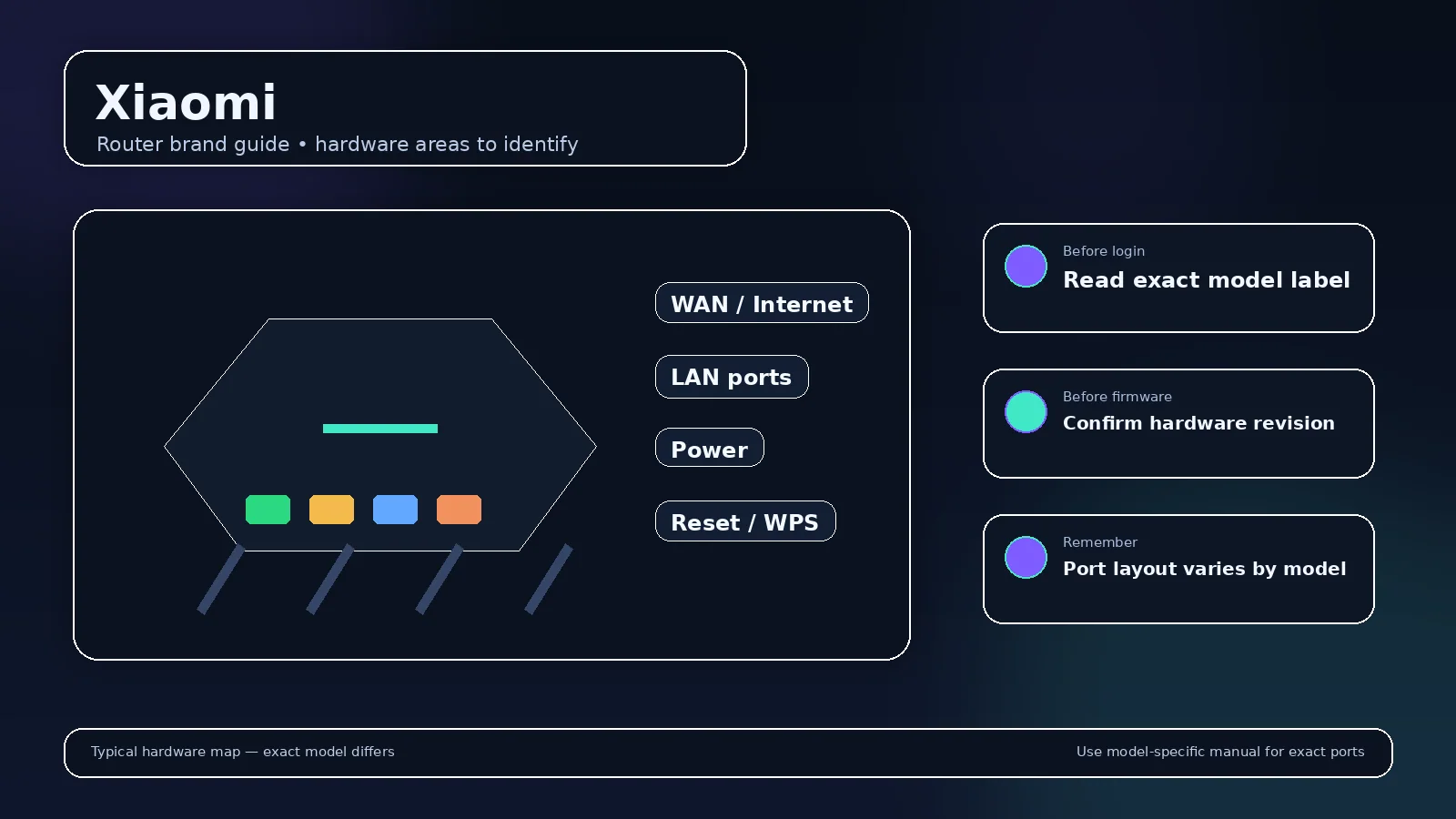
Xiaomi routers and mesh products commonly use a browser setup flow alongside the Mi Home/Xiaomi Home app. Current Xiaomi support documents router.miwifi.com/miwifi.com and 192.168.31.1 for supported products.
First-time setup
The owner connects to the factory Wi-Fi, configures the WAN connection and creates Wi-Fi/administrator credentials. Some setup flows allow the Wi-Fi password to be reused as the administrator password, but that is a user choice—not a universal factory password.
App and region behavior
Supported products can depend on Mi Home/Xiaomi Home region settings for discovery and management. Browser and app feature sets can differ by model and firmware.
WAN credentials
If an ISP uses PPPoE, the broadband username/password belongs to the ISP connection and is separate from the Xiaomi administrator and Wi-Fi passwords.
Find a Xiaomi device after switching to relay operation
Supported Xiaomi routers/mesh products; exact model and firmware behavior can differ
- The referenced BE3600 setup article describes miwifi.com and 192.168.31.1 for that product. Treat this as model-scoped setup information. An existing Xiaomi installation may use a different LAN address, so inspect the connected client’s gateway before assuming the original address still applies. Official source 1
- If the client gateway opens your ISP box instead, identify how the Xiaomi device is connected. A device providing access-point coverage can have its own management address while another router remains responsible for DHCP and internet routing. Look for that device in the upstream client list. Official source 1
- Compare the browser destination with the Wi-Fi network actually joined by the phone. A phone switching to mobile data or another saved network can make a local hostname appear unavailable even though the router is operating normally. Official source 1
- Keep the Wi-Fi key, local administrator password and any app-account credentials separate in your notes. When a login is rejected, identify which credential the current screen requests instead of trying unrelated account passwords repeatedly. Official source 1
- When changing a LAN subnet, write down the old and new gateway addresses. Reconnect an automatically configured client after applying the change, then check its new lease. A static printer or other manually addressed device may need its own address and gateway updated. Official source 1
Illustrative case: A unit continues forwarding traffic but its original management bookmark fails. Check its current role and upstream lease before repeating initial setup.
Documentation and scope