
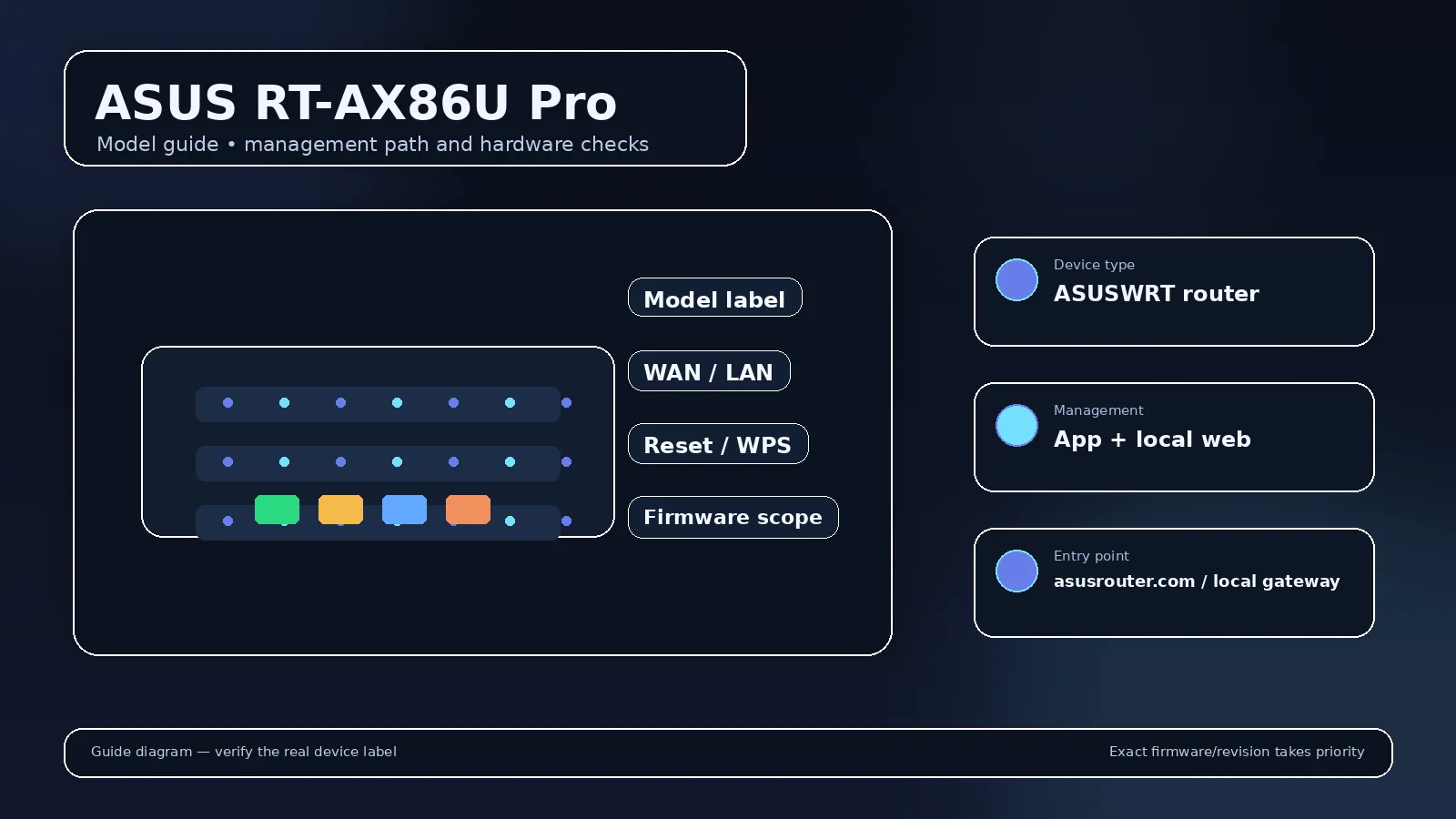
The ASUS RT-AX86U Pro is managed through ASUSWRT and supported ASUS mobile workflows. Use the current local gateway or documented ASUS local hostname to reach it; do not repeat address-discovery advice inside unrelated feature sections.
How do you open the RT-AX86U Pro settings?
Connect to the router’s trusted LAN and open the ASUS local management address/hostname supported by the installed firmware. If a saved 192.168.50.1 bookmark no longer works, read the active gateway once and use that result. A changed LAN, upstream router, or operating-mode change can alter the management address; once you identify the live address, continue with the owner-created ASUSWRT administrator password.
What should you verify before a firmware or mode change?
Match the exact RT-AX86U Pro model and hardware label, then use the firmware/manual intended for that unit. Save a configuration backup and record WAN, VLAN/IPTV, DHCP reservations, VPN rules, port forwards, and AiMesh relationships before a major change. ASUS publishes an RT-AX86U Pro-specific manual and support page for this purpose. ASUS RT-AX86U Pro manual and support.
VPN Fusion: a model-relevant example
ASUS documents VPN Fusion on the RT-AX86U Pro as a way to keep an ordinary internet connection while assigning selected devices to VPN connections. It also documents OpenVPN and WireGuard support on this model. That makes a useful troubleshooting test very specific: if one device loses access after being assigned to a VPN profile while other devices remain normal, check that device’s VPN Fusion assignment, tunnel status, route/DNS behavior, and destination policy before disabling the router firewall.
What result should you expect?
When the selected device is routed through the VPN, its public egress can change while a device left on the normal WAN keeps the ordinary ISP path. If the selected device cannot reach a local service, temporarily remove only that device from the VPN policy and test again. A clean before/after result points to tunnel policy or routing; it does not justify turning off unrelated security controls. ASUS RT-AX86U Pro VPN Fusion overview.
Local HTTPS warning
ASUS documents self-signed certificate behavior for local router HTTPS access on supported firmware. Verify that you are on the RT-AX86U Pro LAN and using the intended local address before proceeding through a local-certificate warning. This is a local-management certificate issue, not a reason to ignore warnings on arbitrary websites.
Video walkthrough for ASUS RT-AX86U Pro
Official ASUS walkthrough for local web access and the checks to make when the settings page does not open.
How to Enter ASUS Router Settings Page? — ASUS Support. Watch on YouTube
Useful next steps
RT-AX86U Pro VPN change check
ASUS RT-AX86U Pro: rT-AX86U Pro; use exact model/revision firmware. The reference below is the support starting point; this is not a claim of physical testing on every revision.
- ASUS RT-AX86U Pro check: the RT-AX86U Pro is managed through ASUSWRT and the ASUS Router app. ASUS router LAN addresses can change when AiMesh, access-point mode or another upstream router changes topology, so use the detected gateway if 192.168.50.1 does not answer. Official source 1
Illustrative case: Enabling a VPN changes the public address but one local application stops working. Compare the tunnel policy, local subnet routes and DNS choice, then revert that single change to test the explanation.
Should I disable the whole ASUS firewall when one VPN route fails?
Use a targeted route or policy check. Disabling the firewall introduces unrelated changes and weakens the network boundary.
Documentation and scope