
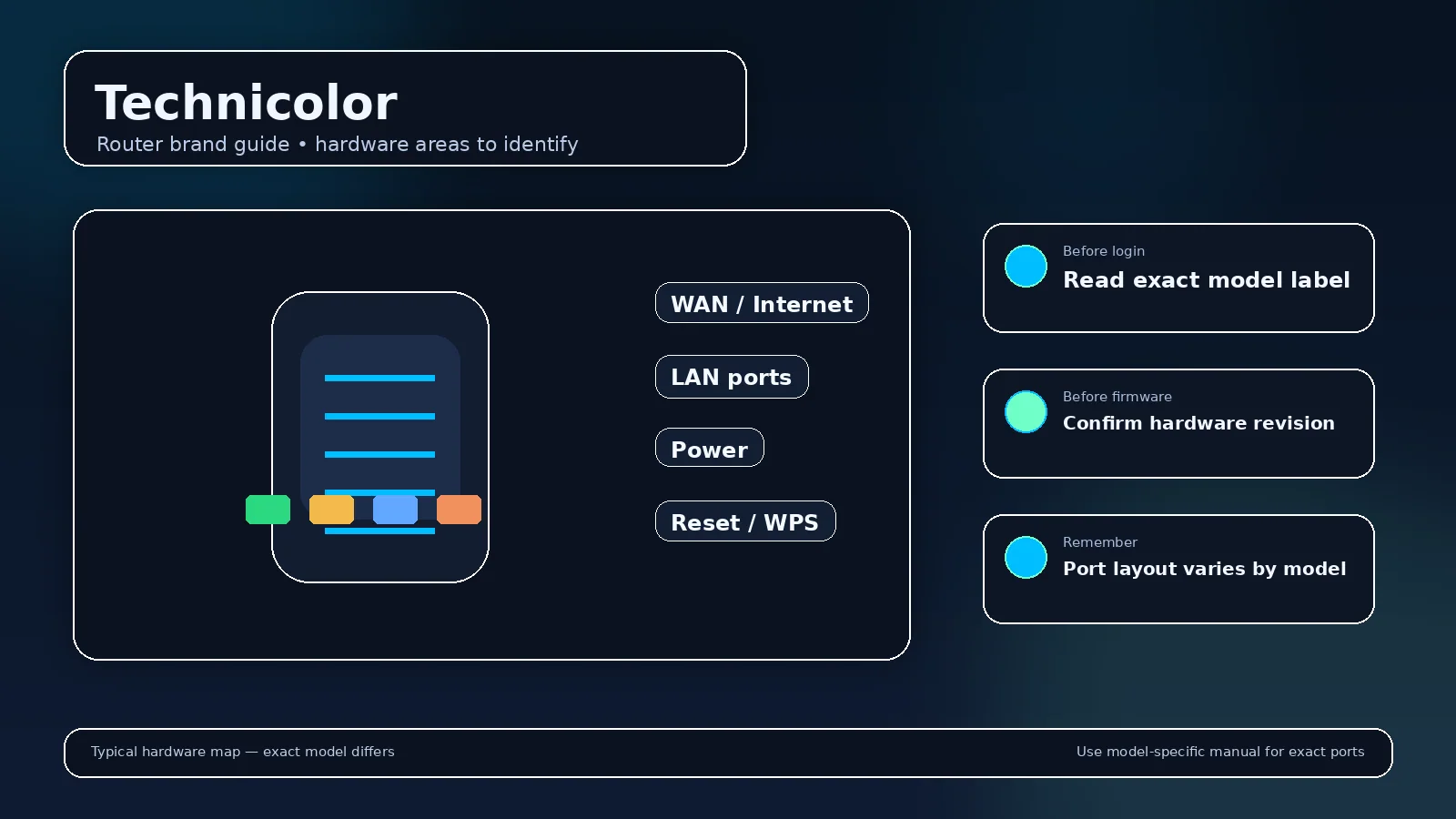
Technicolor router login information is model-specific. Technicolor Connected Home became part of Vantiva. Many Technicolor-branded gateways remain in service, but their local interface is usually defined by the ISP image rather than by one retail default.
How to identify the correct Technicolor management path?
Technicolor products can be managed differently across generations. Before changing settings, establish whether the device is the main router or a downstream component and whether the current firmware is retail or provider-customized.
- Connect to the Technicolor device or the LAN it serves.
- Read the client default gateway before trying a remembered private address.
- Management method: No universal current address; use the gateway shown by your device or ISP documentation.
- App/cloud context: Provider portal or provider app where offered.
- Use the administrator value documented for the exact unit; never infer it from the IP address.
Representative official documentation: Vantiva/Technicolor DGA0120 official product document (representative model). Scope: Technicolor/Vantiva residential gateways are commonly ISP-managed; exact interface, address and credentials are provider/model specific.
Addresses associated with Technicolor
Technicolor does not have one responsible brand-wide address to publish for every current product. Read the default gateway from the connected client, then match the exact model or ISP firmware.
These addresses are discovery starting points for Technicolor, not permanent identities. A changed LAN subnet, access-point/bridge mode, mesh adoption, or an upstream router can move the local management address after setup.
If a Technicolor page does not open
Check the actual client gateway, test from the trusted/home LAN rather than guest Wi-Fi, and remove an overlapping VPN route for the test. If the Technicolor unit is not the primary router, inspect the upstream DHCP/client list for its assigned address. A timeout is an address/routing symptom; a visible login screen with a rejected password is an authentication symptom.
Administrator password, Wi-Fi key, and account sign-in
On Technicolor equipment, those credentials can be separate. The Wi-Fi passphrase joins the wireless network, while the administrator credential protects local configuration; app-managed products can add a cloud identity and ISP devices can add a provider account or device-access code. Use the label wording and exact documentation instead of assuming one printed password serves every role.
What should you record before changing a Technicolor router?
Record the full model, hardware revision, firmware, LAN subnet, current gateway, WAN mode, SSIDs, and any reservations, VPNs, forwards, or provider-specific settings. For Technicolor firmware work, the exact model/revision support page takes priority over a visually similar product.
Reset and recovery for Technicolor
A normal reboot preserves configuration; a factory reset does not. Before resetting a Technicolor device, identify how the internet connection will be restored and whether ISP voice, IPTV, VLANs, mesh pairing, or cloud onboarding need separate recovery. Use the exact model procedure rather than a brand-wide reset timer.
Why can the printed password be rejected?
On a Technicolor label, the printed value may describe Wi-Fi, setup, device access, or local administration. Match the label field to the prompt on the screen before deciding the credential is wrong.
Why can another Technicolor guide show a different login?
Technicolor/Vantiva residential gateways are commonly ISP-managed; exact interface, address and credentials are provider/model specific. Model families, firmware generations, regions and ISP customization can legitimately produce a different address or management workflow.
Related guides
Use the router login guide to discover the current gateway, the administrator-password recovery guide when sign-in fails, and the firmware guide before applying updates.
Video walkthrough for Technicolor
Useful when a factory router address no longer works: identify the gateway your device is actually using before changing passwords or resetting hardware.
How to Find Your Default Gateway or Router IP Address — YouTube networking tutorial. Watch on YouTube
Useful next steps
Identify the operator behind the Technicolor interface
Technicolor: technicolor/Vantiva residential gateways are commonly ISP-managed; exact interface, address and credentials are provider/model specific. The linked source is an exact-model representative reference, not evidence of a universal brand-wide login procedure.
- Technicolor check: technicolor Connected Home became part of Vantiva. Many Technicolor-branded gateways remain in service, but their local interface is usually defined by the ISP image rather than by one retail default. Official source 1
Illustrative case: A Technicolor-labeled gateway opens a provider-branded page. Use that operator’s model documentation rather than assuming a shared retail password.
Documentation and scope