
Port Forwarding Not Working? Diagnose LAN, NAT, Firewall, and CGNAT — Find the broken layer from the server itself to the public internet. The steps below stay focused on that exact task so you can verify the result without turning an unrelated router setting into a second problem.
What matters for this task?
- A forward cannot work if the service is not listening on the internal host/port.
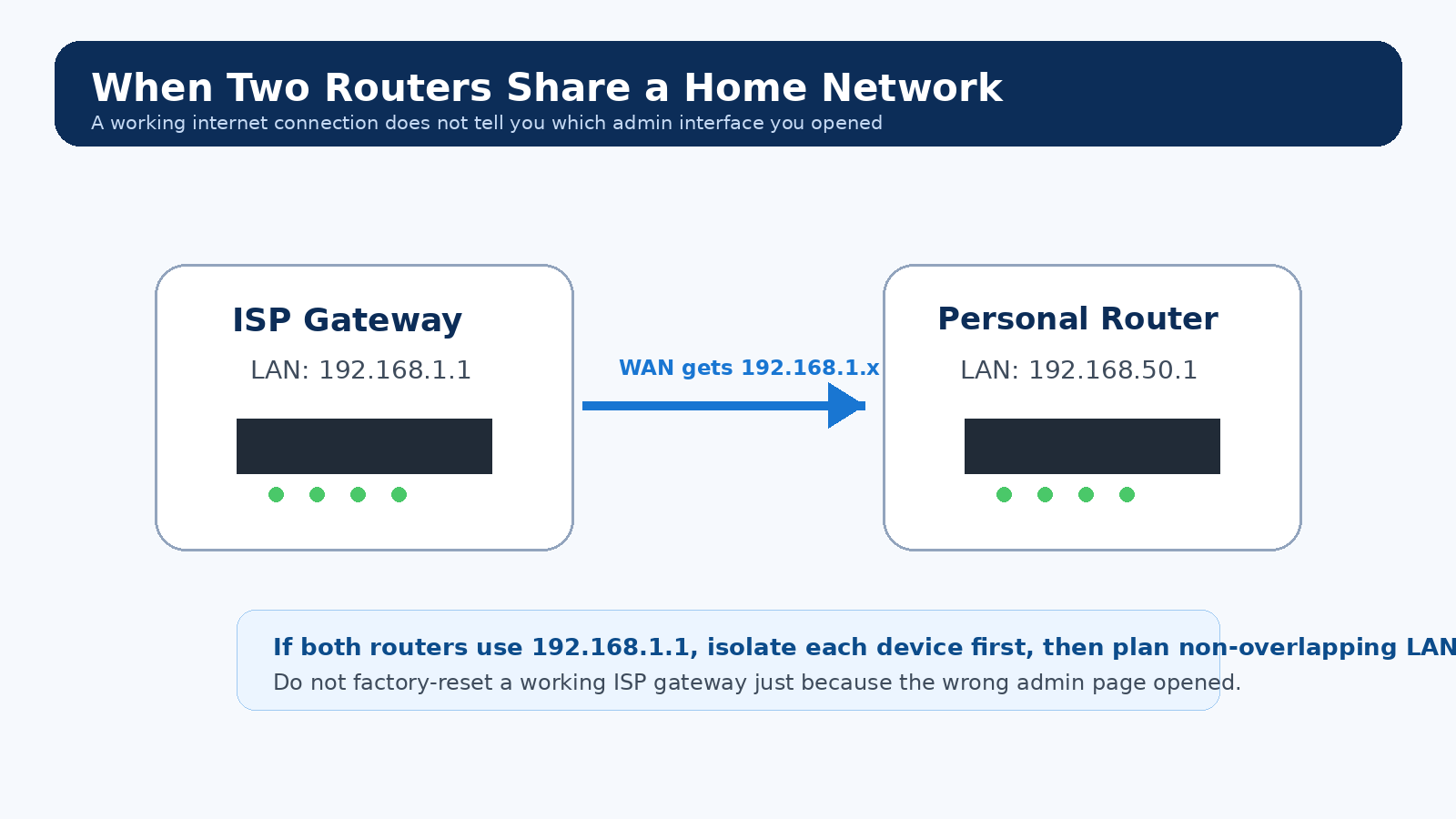
- Double NAT requires a forward/bridge arrangement at both routing layers.
- CGNAT prevents unsolicited inbound IPv4 connections to your router even when your local rule is correct.
The important preparation for Port Forwarding Not Working? Diagnose LAN, NAT, Firewall, and CGNAT is a rollback path. Keep the previous value, a wired connection when practical, and any provider-specific connection details that would be difficult to reconstruct if local access disappears.
Step-by-step
- Test the service from another LAN device first.
- Reserve a stable LAN IP for the server.
- Create the narrow TCP/UDP rule the application requires.
- Allow the port in the host firewall.
- Compare router WAN IPv4 with an external public-IP check; if they differ/private/CGNAT, contact the ISP or use an alternative.
- Test from outside the home network, not only via the same LAN.
Test the outcome, not the Save button
The useful verification for Port Forwarding Not Working? Diagnose LAN, NAT, Firewall, and CGNAT is an observable before/after result. Re-run the same client or network test you used before the change, then make sure ordinary gateway access still works. When the result is worse or ambiguous, restore the previous value before trying a different idea.
Common mistakes to avoid
- Hairpin NAT support varies, so testing your public IP from inside can mislead.
- UPnP may create a competing mapping.
- IPv6 inbound access uses firewall rules rather than IPv4 NAT forwarding.
Technical detail behind this task
For CGNAT, options include a public/static IP from the ISP, IPv6 where both ends support it, or an outbound tunnel/VPN/reverse proxy appropriate to the service. Never expose a router admin UI to “test” port forwarding.
When should you stop and roll back?
Undo the Port Forwarding Not Working? Diagnose LAN, NAT, Firewall, and CGNAT change when the intended symptom is unchanged, another essential function breaks, or you cannot explain the new network state. Reversible configuration work is safer than stacking more changes on top of an uncertain result.
Should I reset the router if this task fails?
Not simply because Port Forwarding Not Working? Diagnose LAN, NAT, Firewall, and CGNAT did not work on the first attempt. A factory reset erases unrelated configuration. First restore the previous value, confirm the correct device and management path, and use the exact model recovery procedure only when configuration is genuinely unrecoverable.
Video walkthrough for Port Forwarding Not Working? Diagnose LAN, NAT, Firewall, and CGNAT
Explains why inbound connections and port forwarding can fail even when the local router rule is correct because the ISP does not provide a directly reachable public IPv4 address.
CG-NAT Explained in Detail — Pablo Martinez. Watch on YouTube
FAQs From Real-World Router Problems
These questions reflect recurring symptoms reported by home-network users. The answers below are independently written and should be matched to your exact router, firmware and ISP setup.
Why does port forwarding fail even though the rule looks correct?
Test the service on the LAN first, keep the server on a stable local address, check the host firewall, then compare the router WAN IPv4 with the public IPv4 seen from the internet. Another upstream router or carrier-grade NAT can stop ordinary unsolicited inbound IPv4 traffic before it reaches your forwarding rule.
Reddit HomeNetworking: double NAT / forwarding case · RFC 6598: shared address space used for CGNAT